Image to Video AI Generator
Animate your images into dynamic videos with AI
Preview
Upload an image to see it come alive
Why Choose Viroo AI's Image to Video AI Generator?
Built for creators to create viral videos: faster workflows, brand-consistent outputs, and measurable impact.
01
Bring photos to life in seconds
Animate stills with natural motion, cinematic camera moves, and clean transitions—no editing experience required.
02
Use multiple modes to create videos
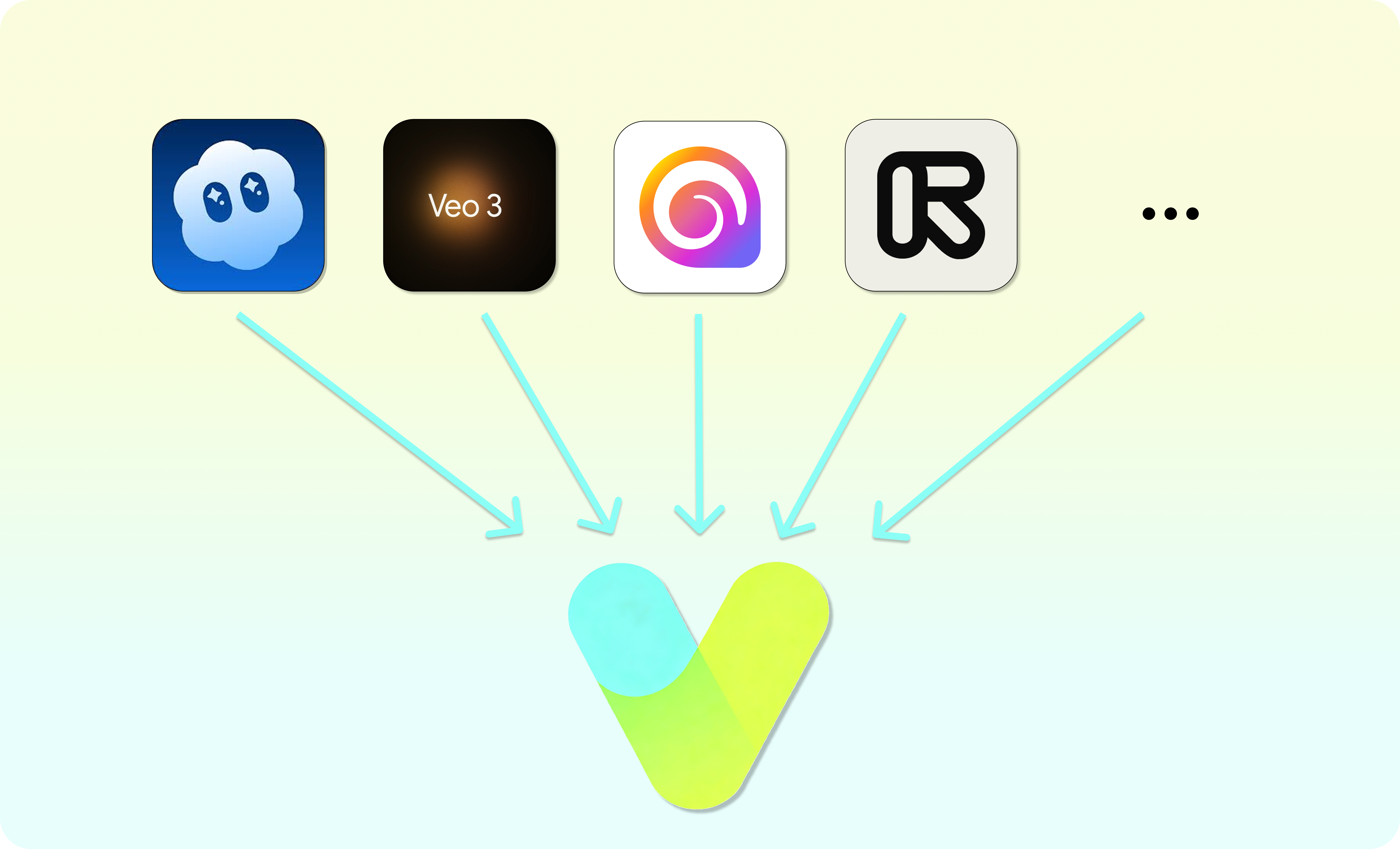
Choose from Sora & Sora2, Veo 3, Runway, Hailuo, Kling and more — each mode offers unique capabilities and visual styles.
03
Creative control without complexity
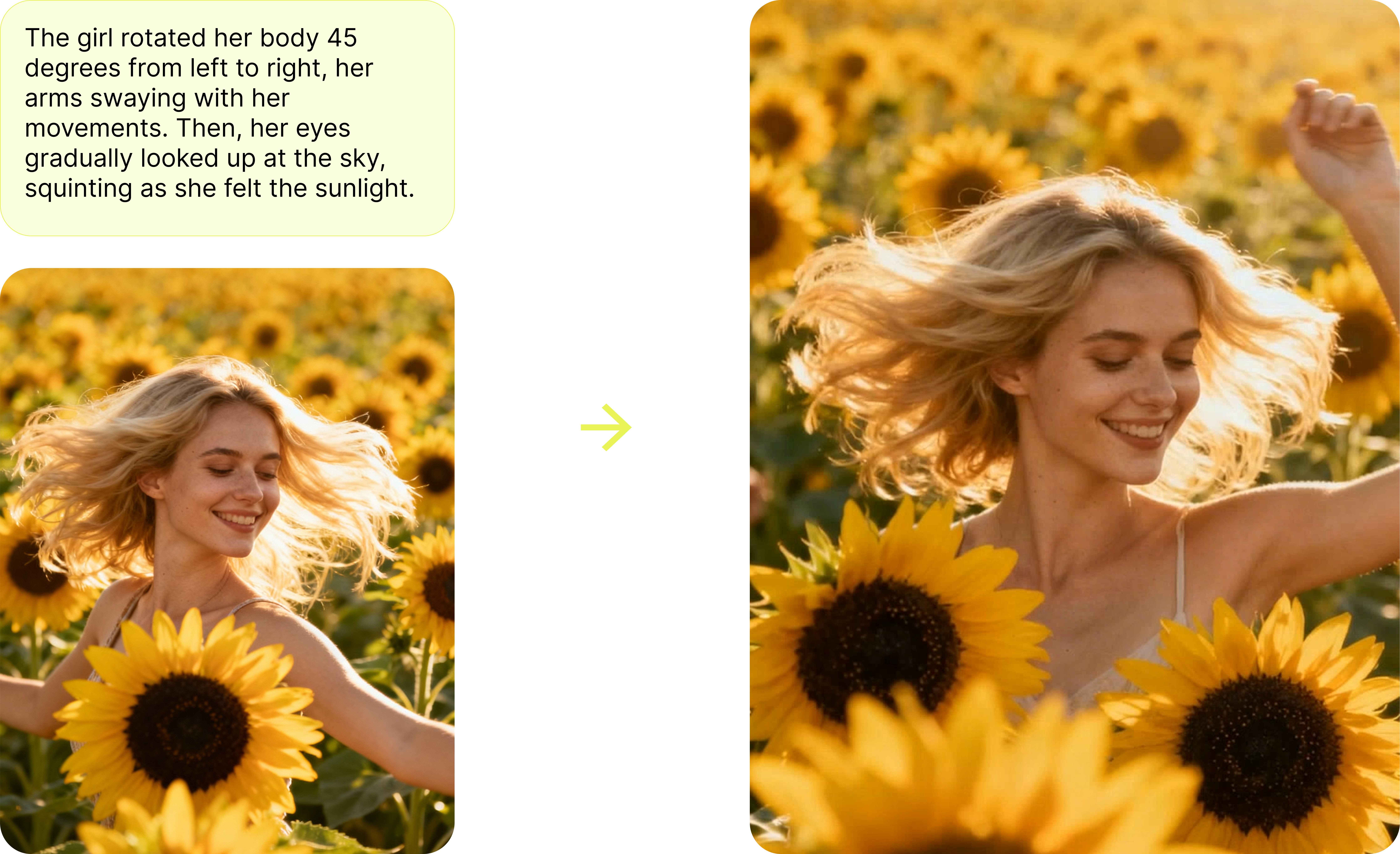
Fine-tune motion paths, pacing, and effects via prompts. Preview fast and iterate instantly for products and portraits.
How It Works
Create professional videos in three simple steps
Upload your image to the image to video ai prompt flow
Select a high-resolution photo (product, portrait, or scenery). This becomes the foundation for motion and camera work.
Describe motion, style, and output settings
Specify camera moves (pan/tilt/zoom), transitions, aspect ratios (9:16/16:9), resolution (720p/1080p/4K), and the overall mood.
Generate and download
Render your clip, review the playback, then download. Adjust the prompt or parameters and regenerate to refine quickly.
Frequently Asked Questions
Image to Video AI Generator
Ready to Create Amazing Videos?
Join thousands of creators who are already using Image to Video AI to bring their stories to life.