Kling AI O1: The Revolutionary Multimodal Video Model Changing Content Creation
Content Team
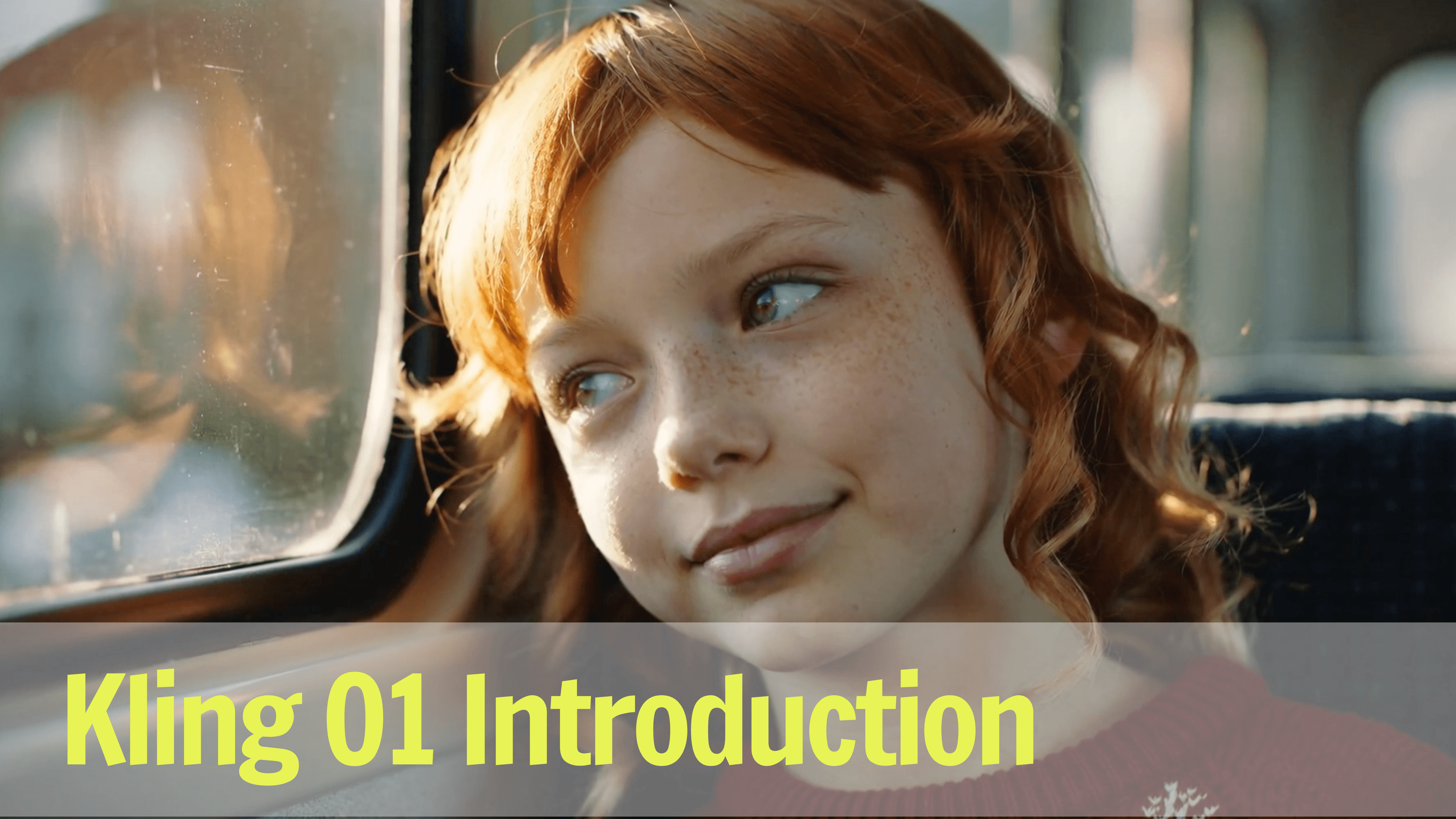
Discover Kling AI O1, the world's first unified multimodal video model that combines 18 powerful features in one platform. Learn how it outperforms Google Veo and Runway.
If you've ever juggled between multiple AI tools just to create one video—switching from one platform for text-to-video, another for editing, and yet another for image references—you know the frustration. What if there was a single AI model that could handle everything?
Enter Kling O1, launched on December 2, 2025, as the world's first unified multimodal video model. This groundbreaking technology consolidates 18 different video generation and editing tasks into one seamless platform, potentially transforming how we create video content.
What Is Kling O1?
Kling O1, developed by Kuaishou Technology (the company behind Kwai), represents a paradigm shift in AI video generation. It introduces a revolutionary leap in video generation technology as the first truly unified multimodal engine, offering creators an expansive playground for imaginative expression. Harnessing the power of Multimodal Visual Language (MVL), Kling O1 enables users to describe their vision using natural language, allowing seamless integration of video clips, imagery, objects, and other media types. The result is an intuitive and streamlined creative process that brings ideas to life with unmatched clarity and precision.
The Two Pillars: Video O1 and Image O1
Video O1 is the flagship model that handles:
- Text-to-video generation
- Image-to-video conversion
- Video-to-video transformation
- Multi-element editing and modification
- Start and end frame generation
- Camera movement extension
- Style transfer and restyling
Image O1 complements this with:
- Multi-image processing (up to 10 references)
- Element rearrangement
- Style transfer across images
- Feature extraction and consistency
📚 What Makes It "Multimodal"? Kling O1 can understand and process text, images, videos, and specific subjects as inputs—all within the same framework. This eliminates the need to export, import, and convert files between different tools.
The MVL Framework Explained
At its core, Kling O1 runs on a Multimodal Visual Language (MVL) framework. Think of it as a translator that understands your creative intent whether you express it through words, images, or existing video clips, then executes it with precision.
Revolutionary Features That Set Kling O1 Apart
1. Natural Language Video Editing
Gone are the days of manual masking, keyframing, and complex timeline editing. With Kling O1, you can edit videos using simple text commands:
- "Remove the person in the background"
- "Change the scene from day to sunset"
- "Replace the character's outfit with a blue jacket"
- "Add dramatic lighting to this shot"
This feature alone saves hours of traditional post-production work.
2. Character and Scene Consistency: The "Director-Like Memory"
One of the most persistent challenges in AI video generation has been maintaining consistency—ensuring characters look the same from shot to shot, or that props don't mysteriously change appearance.
Kling O1 solves this with what the developers call "director-like memory." The model tracks and remembers:
- Main character appearances and features
- Props and objects throughout scenes
- Background elements and settings
- Visual style and aesthetic choices
💡 Pro Tip: Upload reference images of your brand colors, logo, or key characters at the start of your project. Kling O1 will maintain these elements consistently across all generated videos.
3. Multi-Reference Processing Power
Unlike competitors that typically handle 1-2 reference images, Kling O1 can process up to 10 reference images simultaneously. This capability enables:
- Complex character creation with multiple angle references
- Detailed scene composition from various inspirations
- Brand-consistent content using multiple style guides
- Product videos showcasing multiple variations
4. 18 Unified Tasks in One Model
Here's the complete list of what Kling O1 can do without switching tools:
- Text-to-video generation
- Image-to-video conversion
- Video-to-video transformation
- Object removal
- Element replacement
- Style transfer
- Scene modification
- Color grading and adjustment
- Lighting changes
- Weather/time-of-day adjustments
- Camera movement addition
- Start frame generation
- End frame generation
- Video extension
- Multi-subject composition
- Feature extraction
- Element rearrangement
- Content restyling
Performance Showdown: Kling O1 vs. Top Competitors
Numbers speak louder than marketing claims. Based on benchmark tests conducted by Kuaishou Technology:
Kling O1 vs. Google Veo 3.1
In image reference video generation tasks:
- Kling O1 win ratio: 247% vs Google Veo 3.1 Fast's Ingredients to Video1
- Superior accuracy in translating reference images to video
- Better preservation of source material details
- More consistent output quality
Kling O1 vs. Runway Aleph
In instruction transformation tasks:
- Kling O1 win ratio: 230% vs Runway Aleph1
- Higher prompt adherence accuracy
- More nuanced understanding of editing instructions
- Faster processing for complex transformations
⚠️ Benchmark Context: These figures come from internal testing by Kuaishou. Independent third-party benchmarks will provide additional validation as the platform matures.
Why Unified Architecture Wins
The real competitive advantage isn't just raw performance—it's workflow efficiency:
| Feature | Kling O1 | Google Veo | Runway | Pika Labs |
|---|---|---|---|---|
| Unified platform | ✅ One model | ❌ Multiple tools | ❌ Separate workflows | ❌ Limited features |
| Natural language editing | ✅ Full support | ⚠️ Limited | ⚠️ Basic | ❌ None |
| Multi-reference input | ✅ Up to 10 images | ⚠️ 2-3 images | ⚠️ 2-3 images | ⚠️ 1-2 images |
| Character consistency | ✅ Director memory | ⚠️ Basic | ⚠️ Moderate | ⚠️ Basic |
| Video editing | ✅ Full editing suite | ❌ Limited | ⚠️ Moderate | ❌ Minimal |
Practical Applications for Content Creators
Social Media Marketing
Create scroll-stopping content in minutes:
- Product teasers: Transform product images into dynamic 10-second videos
- Brand stories: Maintain consistent visual identity across campaign videos
- A/B testing: Generate multiple video variations with different styles
- Trend jacking: Quickly adapt trending formats to your brand
Example workflow: Upload your brand guidelines (logo, colors, fonts) + product images → Prompt: "Create a trendy Instagram Reel showcasing this product with energetic transitions" → Kling O1 generates on-brand video in 3-10 seconds
E-Commerce Product Showcases
Revolutionize product presentation:
- Convert static product photos to 360-degree videos
- Show products in different environments and lighting
- Demonstrate usage scenarios without physical filming
- Create lifestyle context around products
Educational Content Production
Accelerate educational video creation:
- Transform text lessons into visual explanations
- Create character-consistent tutorial series
- Visualize abstract concepts with custom animations
- Generate supplementary B-roll footage
Brand Storytelling and Corporate Communications
Produce professional videos without full production crews:
- Visualize company milestones and achievements
- Create investor presentation videos
- Generate employee onboarding content
- Produce customer testimonial videos with consistent branding
🎯 Use Case Spotlight: A small marketing team used Kling O1 to create 30 days of social media video content in one afternoon—content that previously would have required multiple tools, contractors, and weeks of work.
Getting Started: Your First Kling O1 Project
Accessing the Platform
- Visit the official Kling AI website (klingai.com)
- Sign up for an account (currently available globally)
- Choose Pro Mode subscription to access O1 models
- Purchase credits based on your project needs
Understanding the Credit System
Kling O1 operates on a credit-based pricing model:
- Text/Image-to-Video: 8 credits per second
- Video-to-Video transformation: 12 credits per second
- Video duration: 3-10 seconds per generation
Cost example: A 10-second marketing video from images = 80 credits
💰 Pricing Tip: Start with the smallest credit pack to test if Kling O1 fits your workflow. The unified platform may actually reduce overall costs by eliminating subscriptions to multiple tools.
Best Practices for Optimal Results
1. Craft specific, detailed prompts
- ❌ Poor: "Make a video of a product"
- ✅ Good: "Create a 7-second video showing a sleek smartphone rotating 360 degrees on a minimalist white surface with soft studio lighting and subtle reflections"
2. Leverage multi-reference inputs
- Upload reference images for style, character, and scene
- Include brand guidelines as reference materials
- Use mood boards for complex creative directions
3. Iterate with editing commands
- Generate base video first
- Use natural language to refine: "Make the lighting warmer," "Slow down the camera movement"
- Save iterations to compare options
4. Understand the model's strengths
- Excels at: Stylized content, consistent character videos, product showcases, abstract visualizations
- Learning curve: Photorealistic human faces, complex physics, extreme motion
Understanding the Limitations
While Kling O1 is groundbreaking, it's important to set realistic expectations:
Current Constraints
Video Duration: 3-10 seconds maximum per generation
- Longer videos require multiple clips and manual stitching
- Not ideal for long-form content yet
Pro Mode Requirement: O1 models require premium subscription
- Free tier offers earlier Kling models but not O1 features
- Credit costs can add up for high-volume users
Learning Curve: Advanced features need practice
- Natural language editing requires specific phrasing
- Multi-reference coordination takes experimentation
- Optimal prompting differs from other AI tools
When to Use Alternative Tools
Kling O1 isn't always the best choice:
- Long-form videos (>1 minute): Consider traditional editing software or specialized long-form AI tools
- Live-action realism: High-end production cameras still deliver superior photorealistic results
- Real-time collaboration: Tools like Frame.io or Adobe Premiere offer better team workflows
- Budget constraints: Free tools like Runway's basic tier for simple tasks
⚠️ Realistic Assessment: Kling O1 is incredibly powerful for its use cases, but it won't replace entire video production workflows overnight. Think of it as a revolutionary tool in your arsenal, not a complete replacement.
The Bigger Picture: What Kling O1 Means for AI Video
Industry Implications
The launch of Kling O1 signals several important trends:
1. Consolidation over fragmentation
- The industry is moving toward unified platforms rather than specialized point solutions
- Expect more all-in-one tools from major players
2. Natural language as the primary interface
- Text commands replacing complex UI controls
- Democratizing video creation for non-technical users
3. Consistency as a core feature
- Character and scene memory becoming table stakes
- Brand consistency automation for marketing teams
Future Roadmap Predictions
Based on the trajectory of Kling O1 and competitor responses, we can anticipate:
- Extended video duration: Moving from 10 seconds to 30-60 seconds in future updates
- Audio integration: Text-to-speech and music generation within the same workflow
- API access: Programmatic video generation for developers
- Template marketplace: Pre-built workflows for common use cases
- Real-time collaboration: Multi-user editing and sharing features
Integration Ecosystem
The real power will emerge when Kling O1 integrates with:
- Content management systems (WordPress, Webflow)
- Social media scheduling tools (Buffer, Hootsuite)
- E-commerce platforms (Shopify, WooCommerce)
- Marketing automation (HubSpot, Marketo)
Ready to Transform Your Video Content Creation?
Kling AI O1 represents a genuine leap forward in AI video generation—not just incremental improvement, but a fundamental rethinking of how video content gets made.
Key Takeaways
✅ Unified platform eliminates tool-switching frustration ✅ 18 tasks in one model streamline entire workflows ✅ Natural language editing makes video creation accessible ✅ Character consistency solves critical AI video pain point ✅ Superior performance vs Google Veo and Runway in benchmarks ✅ Multi-reference processing enables complex creative projects
Is Kling O1 Right for You?
Perfect for:
- Social media managers creating daily content
- Marketing teams needing brand-consistent videos
- Small businesses without video production budgets
- Content creators scaling video output
- Educators visualizing concepts
Less ideal for:
- Feature film production
- Long-form documentary work
- Ultra-realistic VFX requirements
- Real-time live streaming
🚀 Take Action Now: While Kling O1 is revolutionizing text and image-to-video generation, you can also explore powerful alternatives. Try our AI Image-to-Video Generator to transform your static images into captivating videos with advanced AI technology. Start creating professional-quality video content today—no experience required!
The AI video generation space is evolving rapidly, and Kling O1 has set a new standard for what's possible. Whether you're a solo creator or part of a large marketing team, now is the time to experiment with these tools and discover how they can transform your content creation workflow.
Have you tried Kling AI O1 yet? What features are you most excited about? Share your experiences and questions in the comments below!
References
Last updated: December 3, 2025
Footnotes
-
Kling AI Official Release Notes. "Kling O1 Launch - Performance Benchmarks." Kuaishou Technology, December 2, 2025. https://app.klingai.com/global/release-notes/vaxrndo66h ↩ ↩2